For iPhone and iPad
Your iPhone.Safely cleaned up.
Duplicates, similar photos, large videos and duplicate contacts: SpaceBroom finds what fills up your iPhone or iPad and helps you clean it up safely. Everything runs on your device.
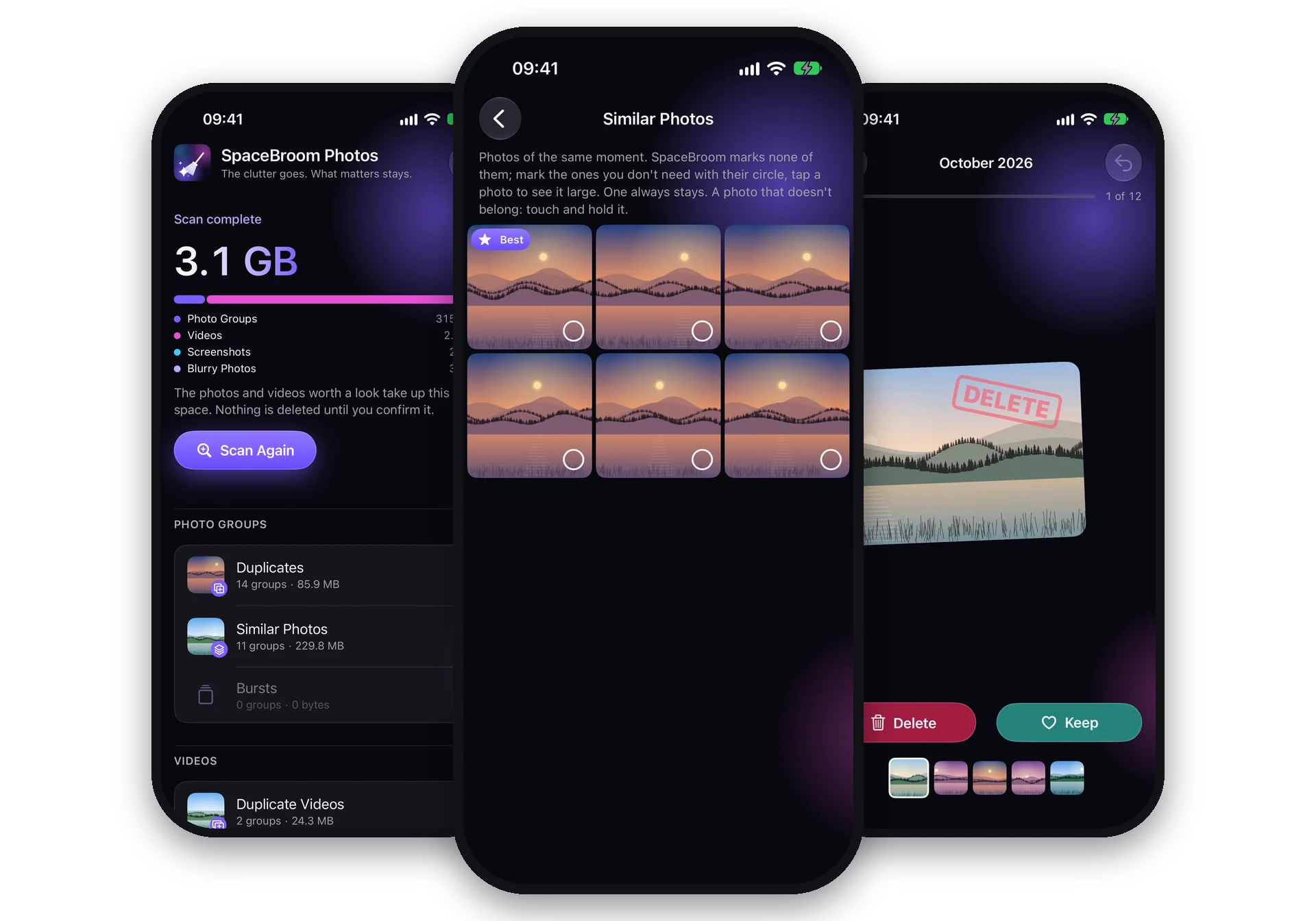
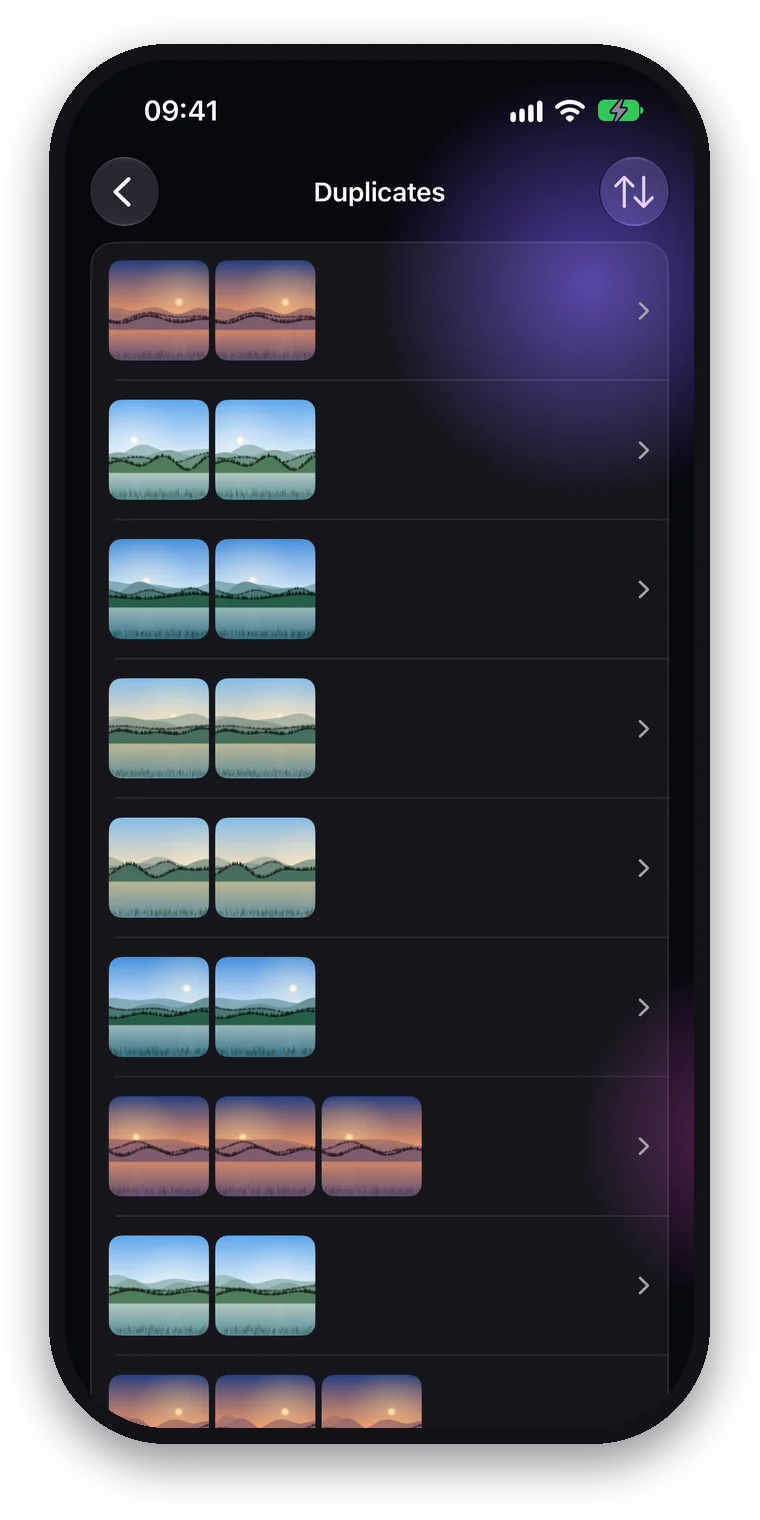
Duplicates
The extra copies are already marked.
The overview shows how much space each kind takes up. For duplicates SpaceBroom marks the extra copies in advance; one photo of each group always stays.
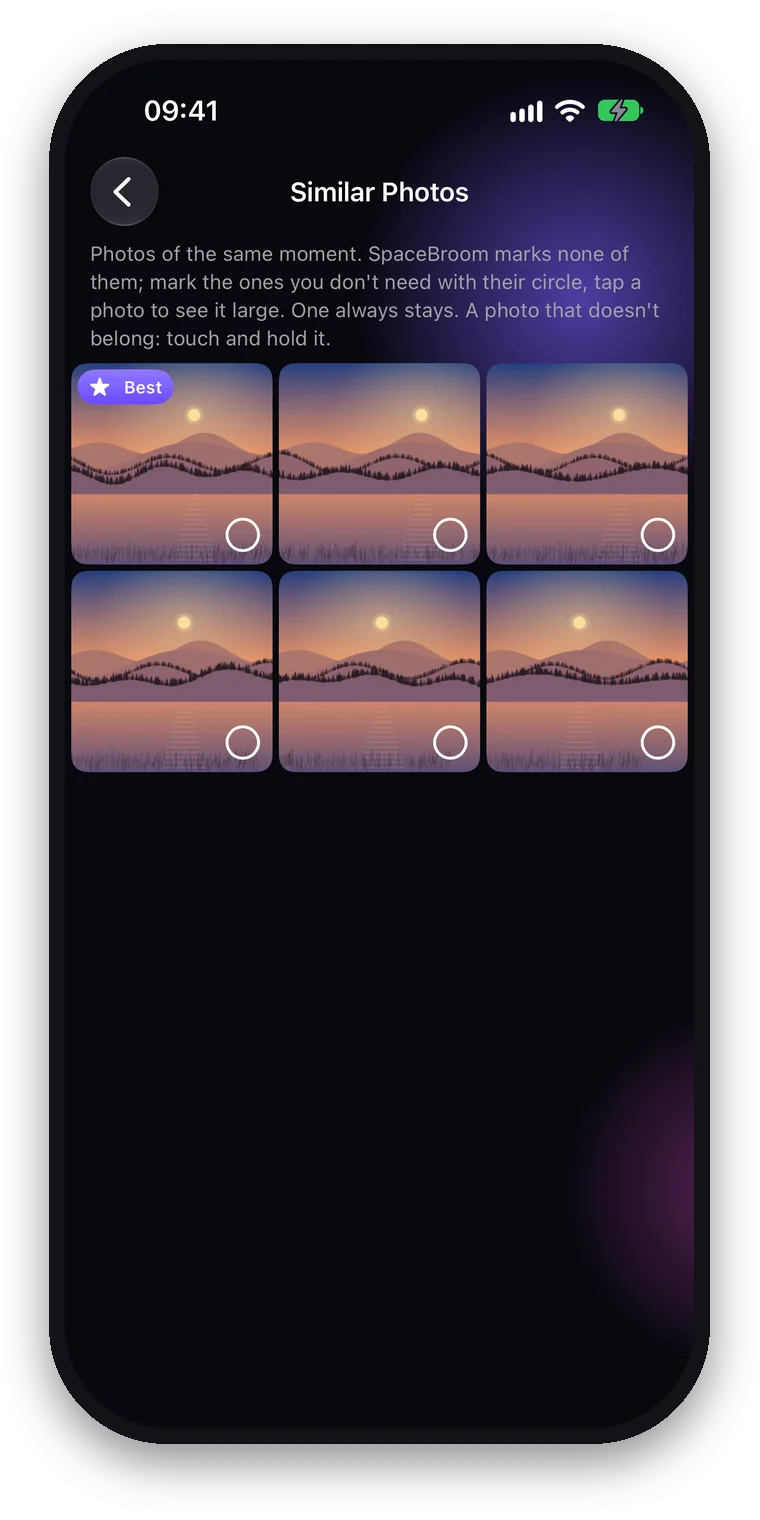
Similar Photos and Bursts
The photo to keep is labeled.
A photo that doesn't belong in a group of similar photos can be removed from it. Favorites, photos in your own albums and edited photos are never marked in advance; you can still pick them one by one.
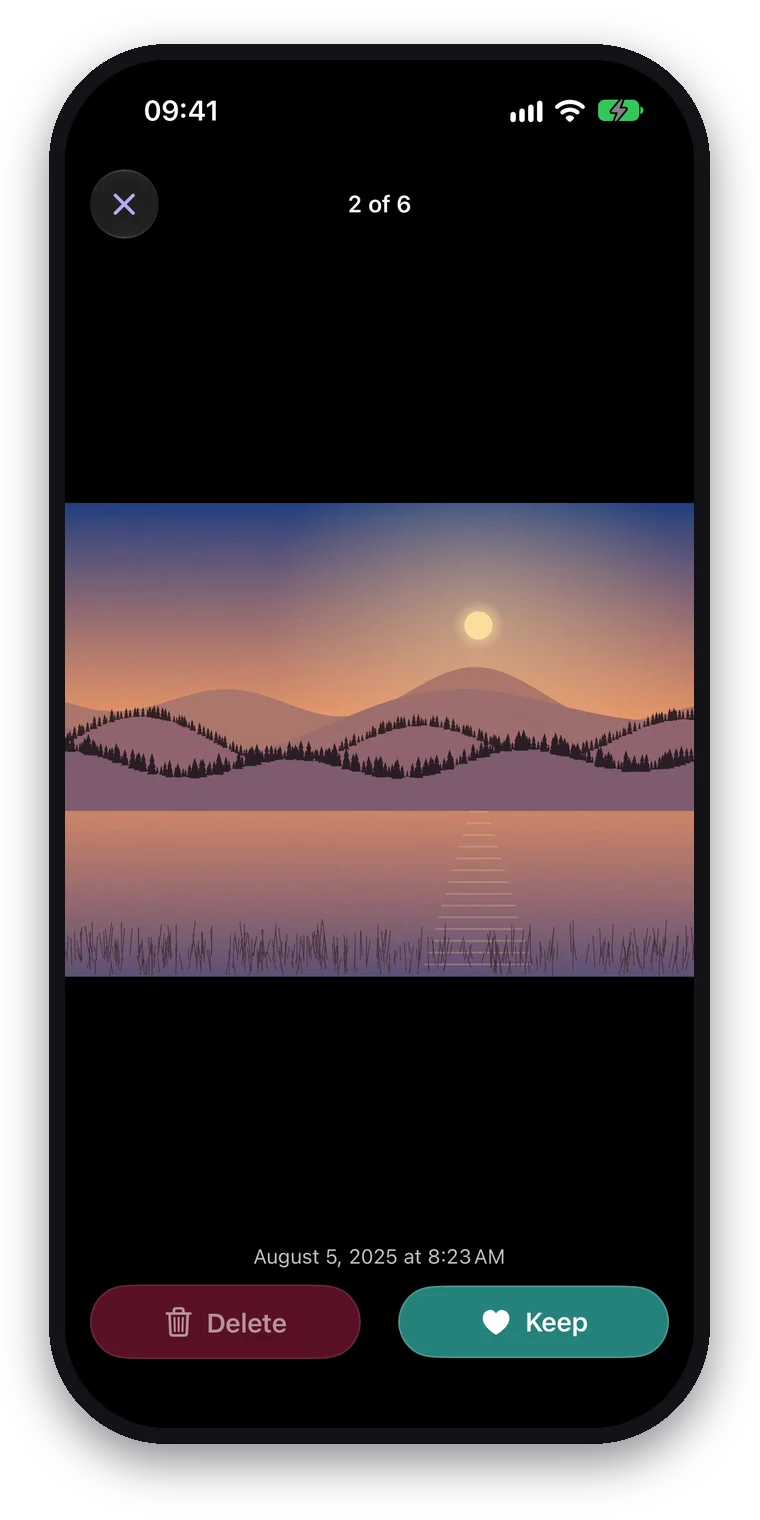
Large view
Look first, then decide.
Tap a photo to see it large and zoom in, or tap a video to play it. Swipe to the next one and decide right there what stays and what goes.
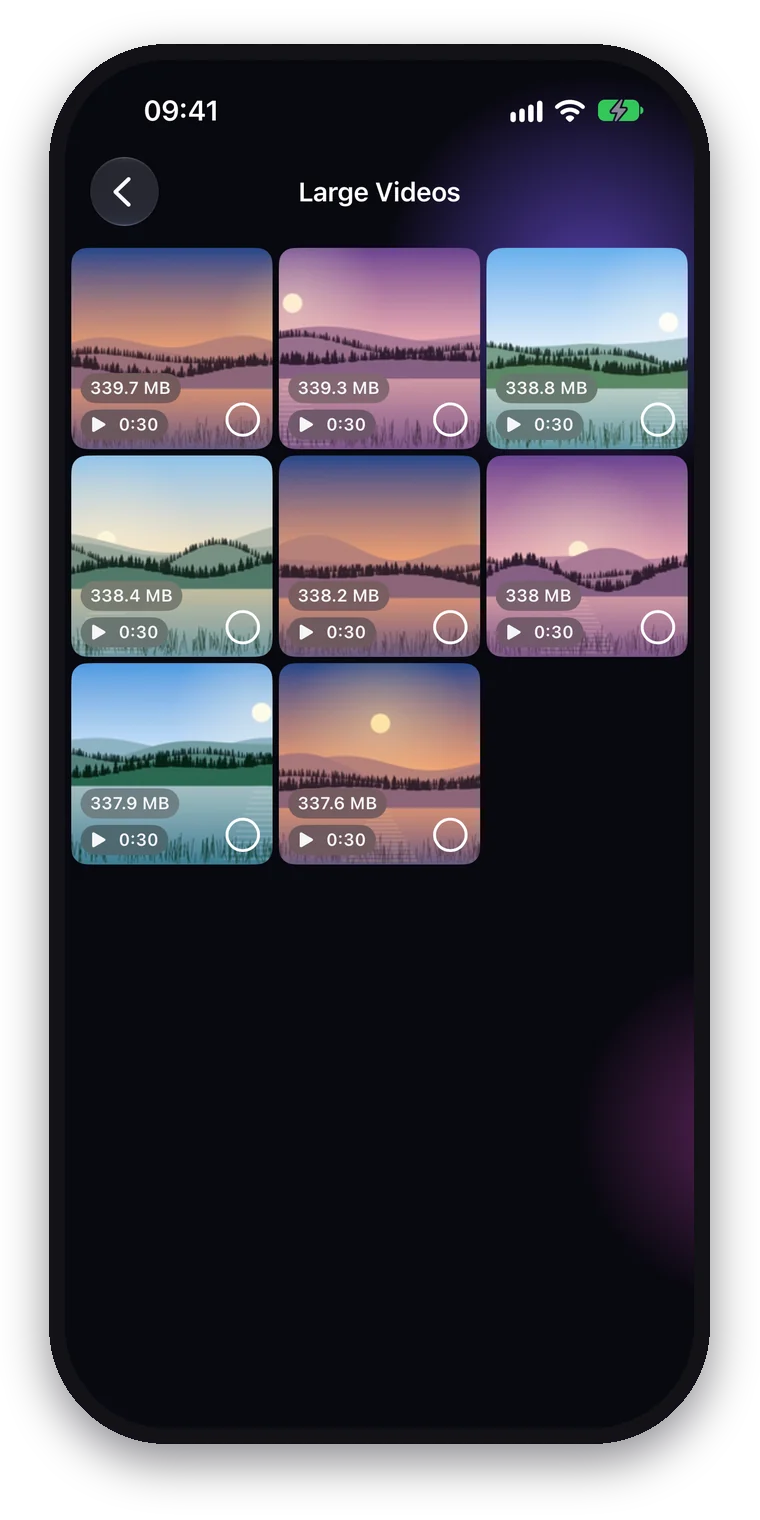
Large Videos
Make videos smaller.
Large videos are sorted by size. Compress Videos saves them again in HEVC at up to 1080p; a copy that doesn't save at least a fifth is discarded and the original stays. Date, place, favorite and albums carry over.
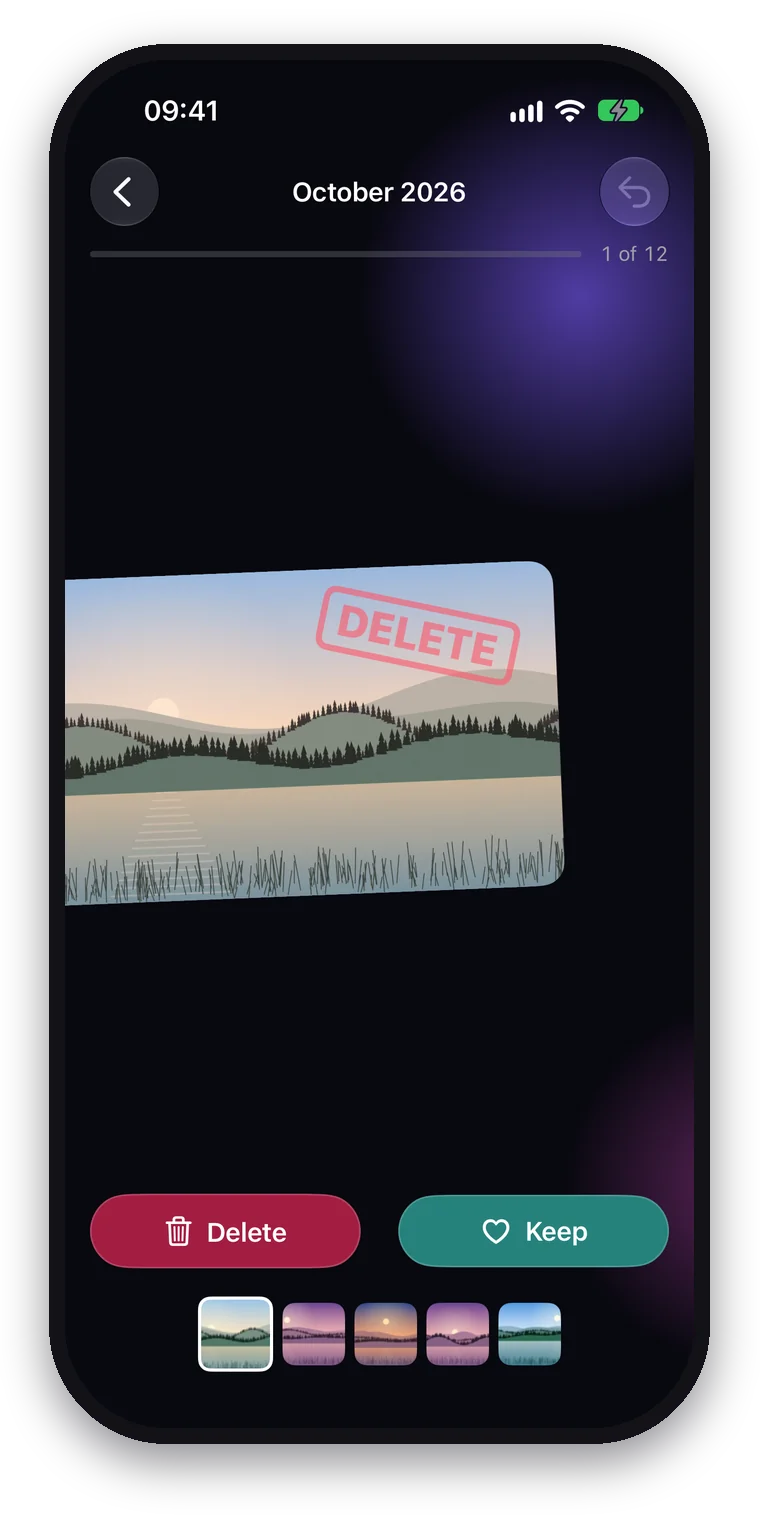
Swipe by month
Month by month through your library.
Swipe to keep or delete: newest first, oldest first or in random order. Undo brings back your previous choice.
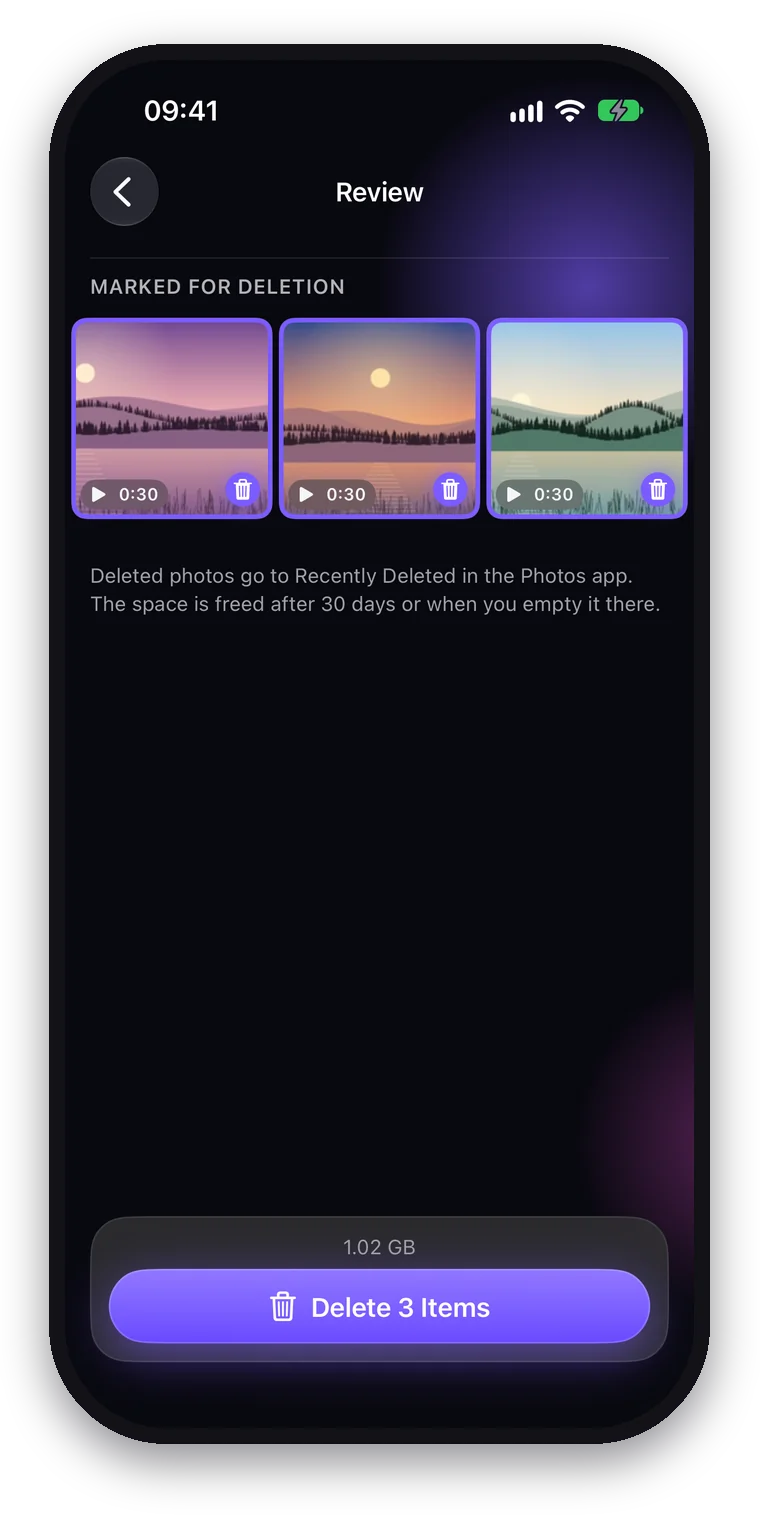
Review
Deleted only once you confirm.
Before deleting you see everything marked at a glance. No photo is deleted until you confirm it in the system dialog, and it then goes to Recently Deleted in the Photos app.
Clean up contacts.
Find duplicate contacts, different names that share a phone number or e-mail, contacts without a name and contacts without a phone number or e-mail. Before you do, SpaceBroom shows what won't be carried over, and a backup stays on your device for 30 days, so you can undo a cleanup.
Privacy
Everything stays on your device.
- Nothing collectedNo account, no ads, no analytics: the app collects no data about you.
- Everything stays hereYour photos and contacts never leave your iPhone or iPad. Everything runs on the device.
- iCloud only if you say soThumbnails from iCloud load only after you agree, by default only on Wi-Fi.
What the app processes and where it connects to is set out in our privacy policy.
Free to look. One purchase to clean up.
Scanning and the overview with all numbers are free, with one example of each kind. Unlock Cleanup once to open every group and to mark, swipe, delete, convert and merge. No subscription, shared with your family through Family Sharing.

Frequently asked questions
How do I restore my purchase?
In the app, open Settings with the gear at the top right of the overview and tap "Restore Purchases"; the purchase page has the same button. The app then asks the App Store for your purchase. For this, sign in on the device with the Apple Account you bought it with. There is no licence key, and a licence of the Mac app does not unlock the app on iPhone and iPad.
Does the purchase work for my family?
Yes. Through Apple's Family Sharing the purchase also works for the members of your family on their own devices. If it does not unlock there on its own, they tap "Restore Purchases" in the app's Settings.
Where do deleted photos go, and how do I get them back?
Before the app deletes photos or videos, iOS asks in a dialog of its own; nothing is deleted without your confirmation. Deleted photos and videos go to Recently Deleted in the Photos app. There you can recover them for 30 days; after that iOS deletes them for good. Only then is the space freed, or as soon as you delete them there yourself.
When converting ("Compress Videos", "Live Photos to Stills"), the app makes a smaller copy; the original also goes to Recently Deleted.
Why does the app need access to my photos, and what does it not do with them?
To find duplicates, similar and blurry photos, the app has to look at your photos. This happens only on your device: your photos, contacts and the results never reach us, and the app has no account, no ads and no analytics. If you share only selected photos, it sees only those; you then change the selection in the app's Settings with "Change Selection". It accesses your contacts only when you open them in the overview and allow it.
It does not scan hidden photos or shared albums. One photo of every group with the same subject always stays, and the app never selects favourites, photos in your own albums or edited or rated photos for deletion on its own.
If photos are only in iCloud, the app asks once whether it may load thumbnails for the scan from iCloud, by default only on Wi-Fi. You change both in Settings with "Load Thumbnails from iCloud" and "Use Cellular Data". iOS loads these images from Apple's iCloud, not from us.
Can I undo a contact cleanup?
Yes, for 30 days. Before every merge or deletion the app saves a backup on your device; without a saved backup it changes nothing. The change applies on every device that shares your contacts.
To undo it, open "Recent Contact Cleanups" under Contacts in the overview and tap "Undo" next to the cleanup. Deleted contacts come back to their account as new cards; a contact you have edited since the cleanup stays as it is. After 30 days the app deletes the backup.
Contact
Questions, a bug or a wish? Write to us at support@spacebroom.app. It helps if you tell us your device and your version of iOS.